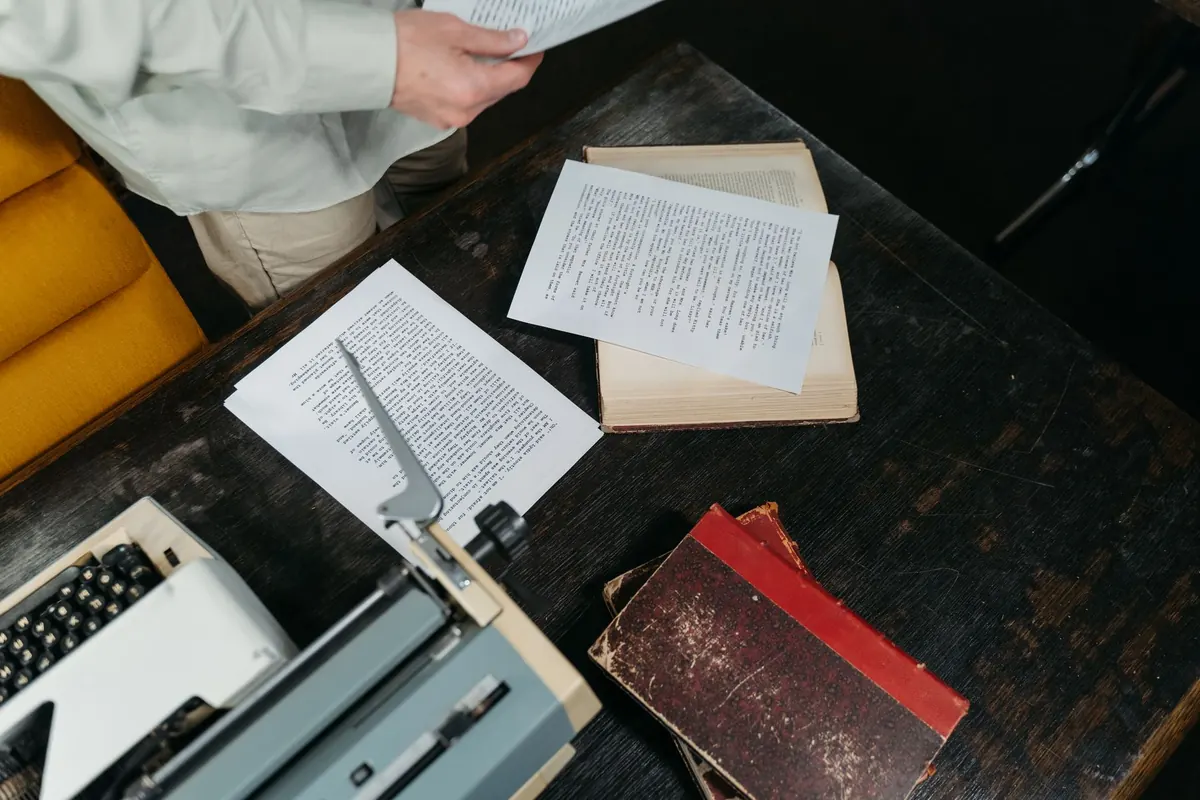
Most rejections are not really about the writing. They are about the reading experience — and a manuscript that arrives looking like a tidy, professional typescript gives an agent one less reason to stop reading. Formatting will never rescue a weak novel, but it can quietly sink a good one, and getting it right costs you an afternoon at most.
UK literary agents tend to expect something close to the traditional "standard manuscript format": a plain, double-spaced document in a standard serif font that reads like a typescript rather than a designed book. It is deliberately dull. That is the point. Here is how to produce it.
Open your file and fix the foundations first. If you leave this until the end, you will spend hours chasing stray formatting through 90,000 words.
In Word, set these up in the Styles panel as your default body text style, and apply that style to the whole manuscript. It means that if you later decide to change the font or the indent, you change it once and the document follows. It also stops the ragged mess that appears when half your scenes were pasted in from an old file with different settings.
Double-space everything. Prose set at single spacing is hard work on screen, and agents read a great deal of it.
Indent the first line of each paragraph by 1.25cm (half an inch). Set this as a first-line indent in the paragraph settings rather than pressing the Tab key, because tabs reflow badly and can vanish when a file is converted. Do not add an empty line between paragraphs, and do not press Enter twice.
There is one exception, and it is a convention worth learning: the first paragraph of a chapter, and the first paragraph after a scene break, starts flush left with no indent. It signals to the reader that something new has begun.
Use a single space after a full stop. Two spaces marks the manuscript as dated, and it creates odd gaps when text is justified or converted.
For scene breaks, choose one marker and stick to it — a centred # on its own line, or three spaced asterisks. If it appears in chapter three, it should appear in chapter nineteen in exactly the same form.
Use italics for emphasis, internal thought and foreign words. Do not underline to indicate italics, and do not scatter capitals for shouting. If your novel uses letters, emails or diary entries, set them apart with indentation or italics rather than a decorative font.
Keep it plain. Put your contact details in the top left corner: legal name, postal address, phone number and email. If you write under a pen name, list both.
In the top right, give the word count, rounded to the nearest thousand — "92,000 words", not "91,847". Count the whole manuscript, not the synopsis or title page.
About a third of the way down the page, centred, put the title in capitals, then your name, then the category: literary fiction, historical crime, contemporary romance, upmarket book club fiction. If you are submitting to a named agent, add their name and the agency beneath.
That is all. No images, no coloured text, no dedication, no contents page. A copyright notice is unnecessary at this stage: copyright exists from the moment you write the work. Keep the title page double-spaced like everything else.
Put a header in the top right of every page, running from page one or page two depending on how your file is set up. The standard form is your surname, the title, and the page number:
Patel / THE LONG FIELD / 47
Keep it in the same 12pt font as the body. If you prefer, some writers use just the page number; either is fine, as long as it is consistent and the pages are numbered.
Start every chapter on a fresh page. Set the chapter heading — number, and title if you have one — about a third of the way down, and be consistent about whether it sits centred or to the left. Never begin a chapter halfway down a page to save space.
Unless the agency's guidelines say otherwise, send a .docx file. Agents and their readers often annotate, comment on or track changes in submissions, and a PDF makes that harder. Some agencies now accept PDFs or specify a particular format, so read their submission page properly. Following an individual agency's instructions matters more than any general rule here — including this one.
Name the file simply and predictably: Surname_Title_Genre.docx. Something like Okafor_The Salt Harvest_Historical Fiction.docx. Avoid "final", "v3", "latest" and any file name with spaces in it.
Before you send, strip out tracked changes, comments, images and any leftover notes to yourself. Keep a clean copy for your records and a separate working copy for yourself. If the agency asks for a synopsis and cover letter, send those as separate files too.
Print the title page and the first three pages. Read them on paper. Check that each chapter starts on a new page, that the header runs correctly, that the word count is accurate and that you have followed the agency's guidelines to the letter — including anything they ask for that contradicts the advice above.
Then save, attach, and stop fiddling. Good formatting should be invisible. If an agent notices yours at all, it should only be because everything is exactly where they expected to find it, leaving them free to read the first page and forget they are reading a submission at all.
Photo: Tima Miroshnichenko / Pexels